
Managing API Keys
Let your own systems act on your workspace securely, without a login.
A BizBotify API key lets your website, CRM or scripts call the BizBotify API for your workspace. Create one under Settings → Access & Security → API keys → Create key, give it a name and an expiry, copy it once, and send it as Authorization: Bearer <your-key>. Click Revoke to switch it off instantly.
How to do it
Create a key
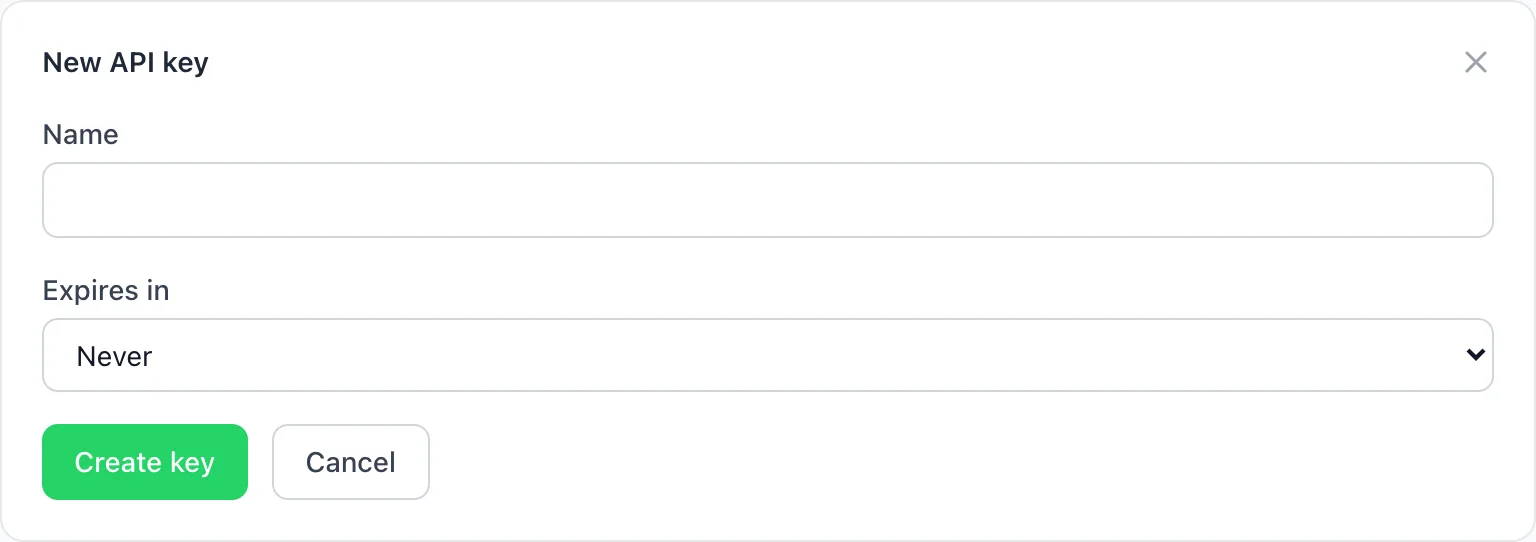
Open Settings → Access & Security → API keys and click Create key. Enter a Name such as "Website" and choose Expires in: Never, 30, 90 or 365 days.
Copy it straight away
The full key is shown only once. Store it in your server's secrets, never in browser code or a public repository.
Use it
Send it in the HTTP header Authorization: Bearer <your-key> on every request.
Revoke keys you no longer use
Click Revoke next to the key. Requests using it are rejected immediately.
Frequently asked questions
How do I authenticate with the BizBotify API?
Create an API key under Settings → Access & Security → API keys and send it as Authorization: Bearer
Can I see an API key again later?
No. It is shown once; if you lose it, revoke it and create a new one.
Should I put an API key in my website's JavaScript?
No. Keep keys on your server. For website forms, use a form token instead.