
Sending Welcome Messages to New Contacts
Greet every new customer the moment they first message you, with a menu of next steps.
In BizBotify a welcome message is a chatbot flow with the New contact trigger. Go to Automation → Chatbot Flows → Create Flow, pick New contact, add a Send Message or Interactive Message block, and set the flow Active. It runs once, the first time a new customer messages you.
How to do it
Create the flow
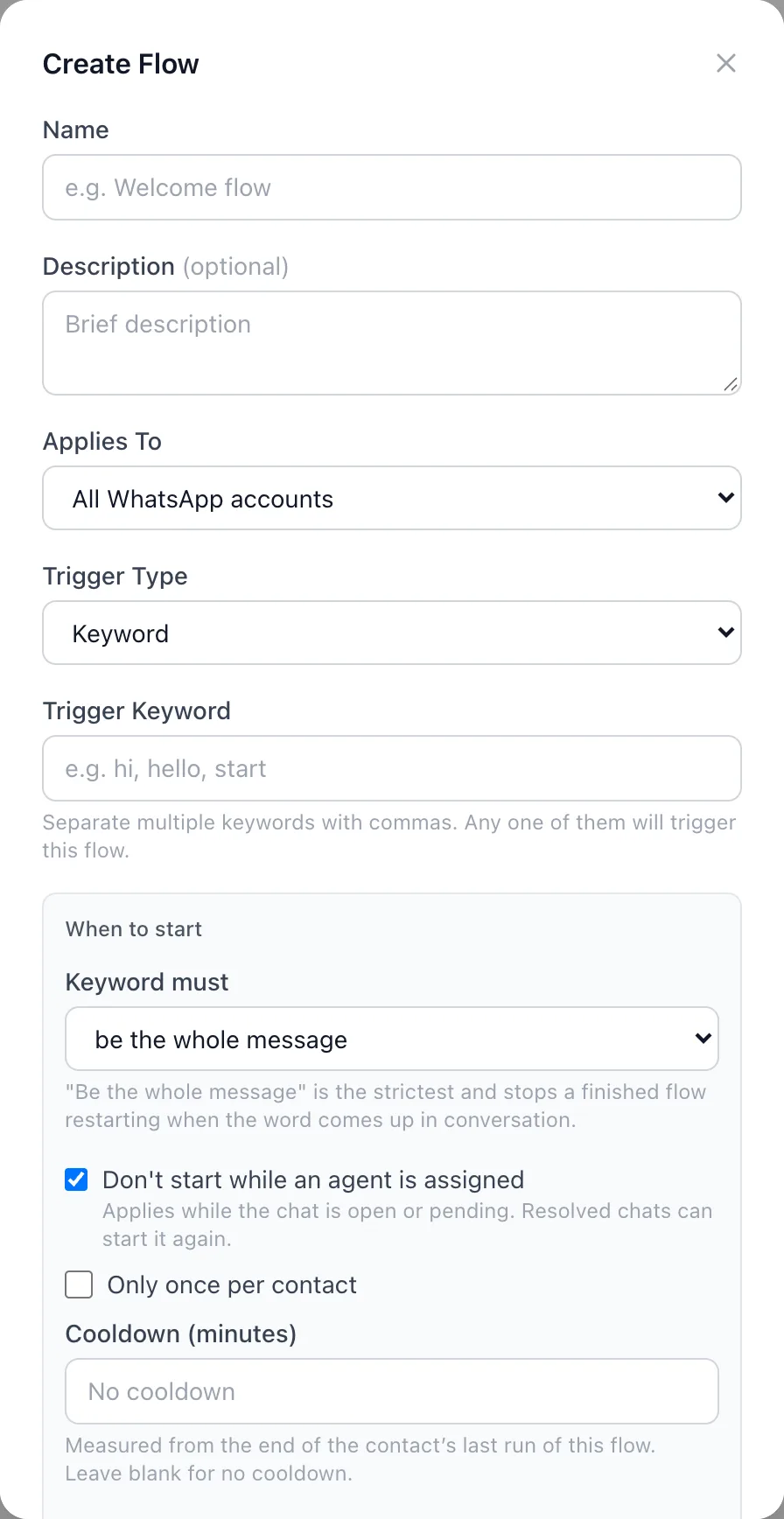
Open Automation → Chatbot Flows and click Create Flow. Name it "Welcome", choose the WhatsApp number, and set the Trigger Type to New contact.
Write the welcome
Click Send Message in the block list and write your greeting. Use {{contact_name}} to add the customer's name. Use an Interactive Message block for buttons such as "See prices" or "Talk to us".
Save, test and switch it on
Click Save, press Test to try it, then set the flow Active in the flow list.
Frequently asked questions
How do I send an automatic welcome message on WhatsApp?
In BizBotify, create a chatbot flow with the New contact trigger, add a Send Message block and set the flow Active. Every new customer gets it on their first message.
Will returning customers get the welcome again?
No. The New contact trigger runs only the first time a customer messages you.
Can the welcome include buttons?
Yes. Use an Interactive Message block with reply buttons or a list, and branch the flow on the customer's choice.
Can I personalise it with the customer's name?
Yes. Insert {{contact_name}} in the message.