
Sending Your First Broadcast Campaign
Reach many customers at once with an approved WhatsApp template, safely paced.
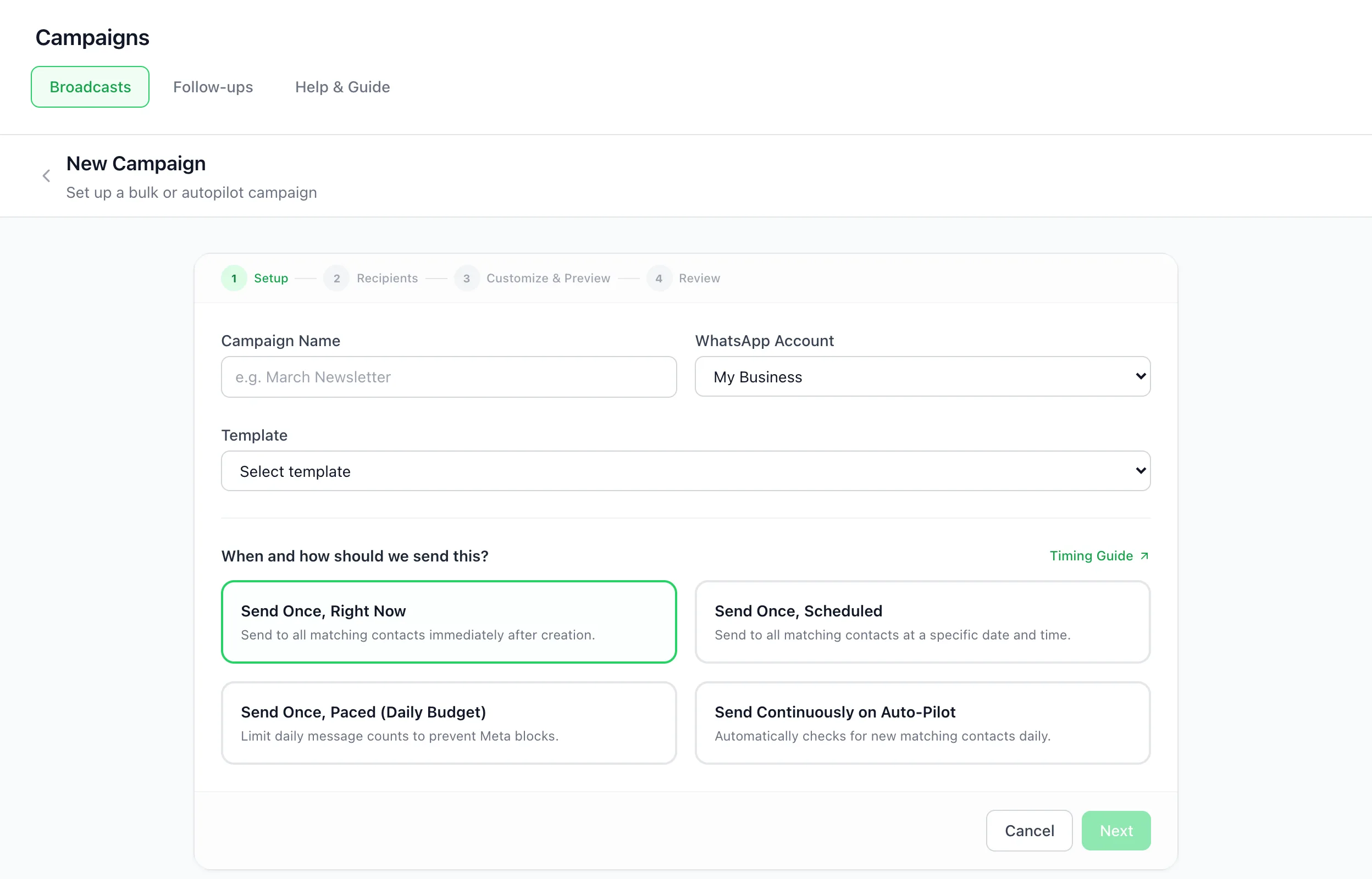
A broadcast campaign in BizBotify sends an approved WhatsApp template to many contacts at once. Open Campaigns → Broadcasts → New Campaign and follow four steps: Setup (name, number, template and timing), Recipients (tags, filter rules or a CSV), Customize & Preview and Review. People who opted out are skipped automatically.
How to do it
Set up the campaign
Open Campaigns → Broadcasts and click New Campaign. Name it, pick the WhatsApp number and an approved template, then choose the timing: Send Once, Right Now, Send Once, Scheduled, Send Once, Paced (Daily Budget) or Send Continuously on Auto-Pilot.
Choose recipients
Pick Tags, Filter Contacts (rules that match all or any of them, such as tags, a birthday, inactivity, the newest enquiry's stage or temperature, or any card's stage) or upload a CSV for this campaign only.
Customize and preview
Fill in the template's blanks, for example the customer's name, and check the preview.
Review and send
Check the summary and click Create & Start now, Create & Schedule or Save as Draft. Watch delivery and replies on the campaign, and in Analytics → Campaigns.
Frequently asked questions
How do I send a WhatsApp broadcast to many customers?
In BizBotify, open Campaigns → Broadcasts → New Campaign, pick an approved template and recipients (tags, filter rules or CSV), then send now, schedule it or pace it with a daily budget.
Do broadcasts need an approved template?
Yes. WhatsApp requires an approved template for messages you start, so campaigns always use one.
What does Auto-Pilot do?
It keeps the campaign running and checks daily for new contacts that match your recipients, then sends to them.
Are opted-out contacts skipped?
Yes. Anyone who replied STOP is skipped automatically, including in CSV uploads.
What does a broadcast cost?
Meta charges per delivered template by category (₹0.8631 per marketing message in India), with 0% markup from BizBotify. See WhatsApp API pricing.